




Website maintenance costs $50 to $150 a month with us, depending on the size of the site, the platform and how many changes you need. WebsiteSetup’s 2026 guide puts small business maintenance at $30 to $250 a month and e-commerce at $500 to $2,500 a month. Hosting and the domain are usually separate. What matters more than the price is what the plan covers, because two plans at the same price can include very different work.
Website maintenance cost per month
| Site | Typical monthly cost | Source |
|---|---|---|
| Small business site with KRYLOweb | $50 to $150 | Our price |
| Small business site, market range | $30 to $250 | WebsiteSetup, 2026 |
| E-commerce store, market range | $500 to $2,500 | WebsiteSetup, 2026 |
| Developer support by the hour | $50 to $150 an hour | WebsiteSetup, 2026 |
Running costs that are usually separate from a maintenance plan, also from WebsiteSetup: a domain at $10 to $25 a year, hosting at $5 to $75 a month, and an SSL certificate at $0 to $200 a year.
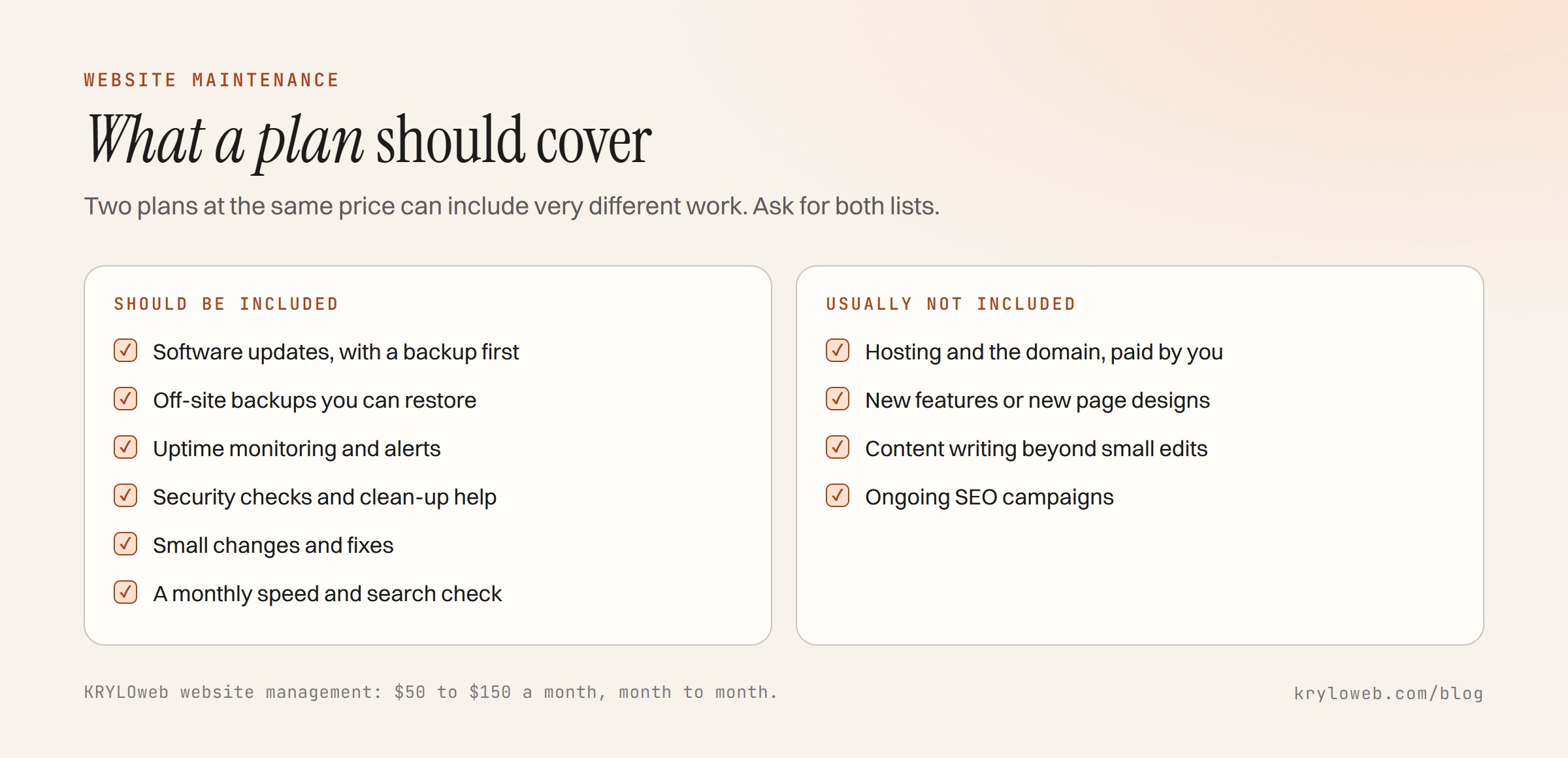
What a plan should include
Updates. The software your site runs on, such as WordPress core, plugins and themes, Shopify apps, or the libraries in a custom build, kept current. Done carefully: a backup first, then the update, then a check that nothing broke.
Backups. Regular, automatic and stored away from the site, so a broken server doesn’t take the backup with it. Ask how often, how long they are kept, and how quickly a restore happens.
Security. Monitoring for signs of a hacked site, certificate renewal checks and help cleaning up if something gets through.
Uptime monitoring. An alert when the site goes down, and someone who acts on it.
Small changes. Text and image updates, a new page from an existing template, a broken form. Plans differ most here: some include a fixed amount of time, others charge for every change.
A monthly check. Speed, search errors and broken links reviewed, with a short note on what changed.
What a plan usually doesn’t include
- Hosting and the domain, which you should own and pay for directly
- New features or new page designs
- Content writing beyond small edits
- Ongoing SEO campaigns
- Fixes for problems caused by someone else’s changes, unless agreed
Ask for the exclusions in writing. A cheap plan that charges for every change can cost more than a higher monthly fee that includes them.
What moves the price
Platform. WordPress with many plugins needs the most updating. Shopify handles core updates itself. A static site built with Astro needs very little, so maintenance there is mostly changes and checks.
Size. More pages and more features mean more to check after each update.
Change volume. A site you update weekly needs more included time than one that changes twice a year.
E-commerce. Checkout, payments and stock syncs need testing after updates, and downtime costs sales.
Do you need a plan at all?
You can skip a plan if:
- The site is static and rarely changes
- You or someone on your team is comfortable updating it and keeping backups
- You have a developer you can call for occasional fixes
A plan makes sense if:
- The site runs WordPress with plugins, and nobody keeps them updated
- The site brings enquiries or sales, so downtime costs money
- You keep putting off small changes because there is nobody to make them
Questions to ask before you sign
- What exactly is included each month, and what is charged extra?
- How often are backups taken, where are they stored, and how fast can you restore one?
- What happens if an update breaks something?
- How quickly do you respond if the site goes down?
- Who owns the hosting and domain accounts?
- Can I cancel, and what do I keep if I do?
Our own answers are on the website management page: it runs month to month, and if you stop, you keep the site, the accounts and the latest backup.
Next step
If your site runs on WordPress and nobody has updated it in months, start there: a backup and a careful round of updates is the single most useful piece of maintenance. For the full cost of owning a site, see small business website cost and our pricing page.